
Recording & Reflecting on Failure
Recording and reflecting on failure should be an iterative sequence where you (a) record your own facilitation practice and (b) reflect upon it. Then repeat (a) and (b) to iteratively improve your practice. You might also want to revisit activities in Setting Context as you refine your definition of and pedagogical approaches to failure.
Preliminary Work for Recording & Reflecting
Goal Setting
Set at least one individual pedagogical goal for interacting with youth around experiences with failures. Write down any support needed to obtain the goal(s). As a team, establish at least one pedagogical goal for facilitating youth’s experiences with failure. These goals may inform video selection and reflection. How might you support your team in meeting the goal(s)? How will you gather, share, update, and celebrate these goals? Consider posting these goals in a shared workspace as a reminder. Celebrate the small victories towards meeting individual and/or team goals.
Visitor Feedback
Will you gather feedback from youth/visitors about their failures? How? How will this be used in your reflection practice?
Resources for reflecting on or gathering youth perspectives:
Consent / Privacy
How will you inform visitors about your data collection? If you are collecting data from youth, you need their assent and their adult’s consent. If you are collecting data from adults, you need their consent. Many organizations require posting signage about video recording, others require visitor verbal or written consent.
Additional activities/resources:
Check in with your Internal Review Board (IRB) or
Research Review team if you have one.
Post signage that visitors may be video recorded.
Ask youth for assent prior to recording.
Provide a handout describing the purpose for video recording or “research release” form for parent/guardian and child to select yes/no.
Data privacy is important
- Do not record any video using a personal device; use a device owned by the museum.
- Upload saved videos/photos to a secure hard drive and/or lock up devices in an area with limited access.
- At the conclusion of the professional development cycle, permanently delete all videos.
Record a Failure Facilitation
Capturing Facilitation
Engage: There are multiple methods to capture and record facilitation practice. (a) Journal / Field Notes: educator/facilitator writes field notes about an encounter they had. (b) Live Observation: one person (peer or mentor) writes field notes as they observe an educator/facilitator. (c) Audio recordings. (d) Video recordings.
Reflect and Discuss: What do you think are the benefits and disadvantages for each method for recording practice? What makes sense for you/your educational team? Why?
Additional activities/resources:
Recording Practice with Video
Engage: Which of the images below do you consider “good” versus “bad” positions for a camera?
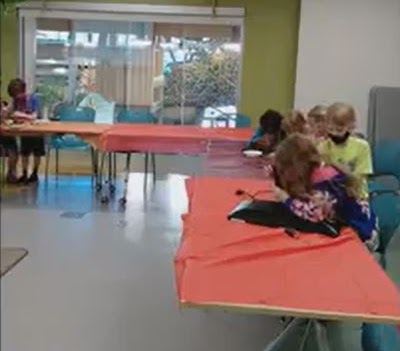
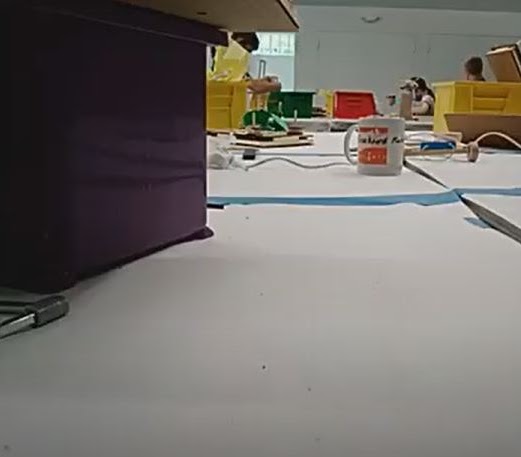
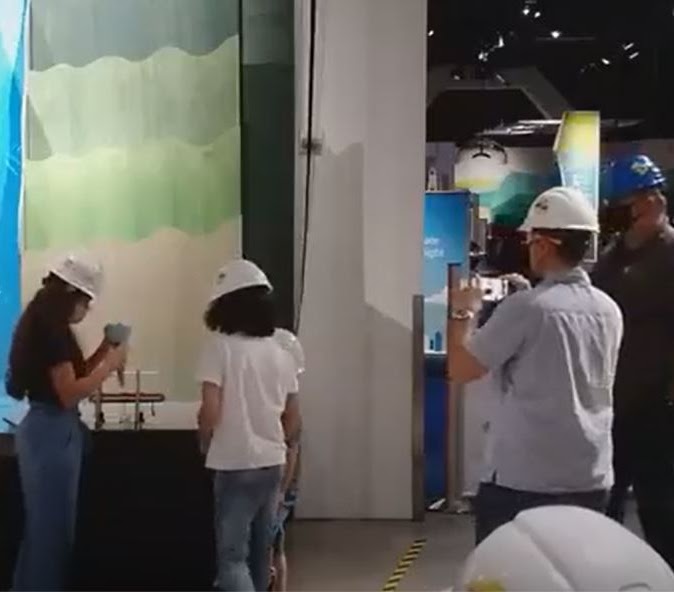
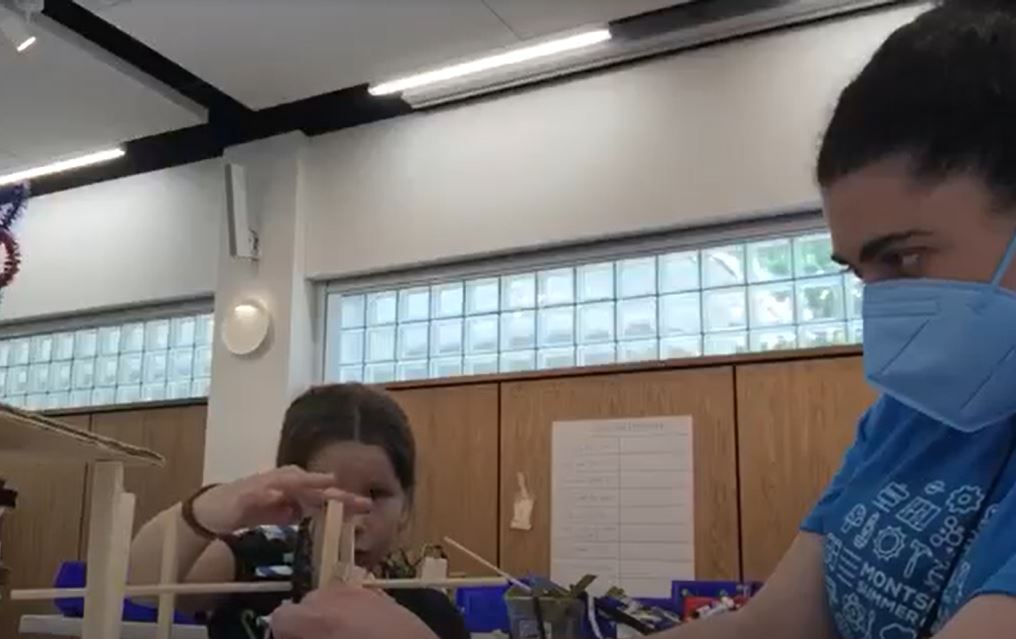
Reflect and Discuss: Where will your camera be set up? Where should the camera be directed? Who will turn it on (e.g., educator, lead facilitator)? Who will set up the equipment? When should it be turned on (e.g., beginning, when notice failure moment is happening)? What should be filmed (e.g., individual chats, group discussions, passive facilitation)?
Tips from Partners:
- Test the camera position and audio (especially before recording).
- Start earlier than you think. Plan for recordings to fail (e.g. audio and/or video may not be useful).
- Be sure to pull hair back from lapel microphone.
- Provide a guide for how to connect lapel microphone.
- Have one individual from the education team be known as the “tech guru.” This individual is in charge of setting up and taking down recording devices.
- Do not record more than one hour of interactions to reduce anxiety of watching hours of video recordings.
Video Selection
Engage: Watch your video recordings to reflect upon and select at least one short video clip (e.g., 2-3 minutes) to share with others. Focus on youth’s failures and how you/educator noticed and responded. Review videos quicker by using 1.5x speed when looking for clips.
Reflect and Discuss: Generate a list of prompts and/or questions to guide the video selection. For example, Amazeum called for “juicy” moments: “failure-juicy video should show things we are PROUD we did as educators AND moments we would change.” The Tech Interactive educators selected clips they thought showed “effective facilitation” and “less effective facilitation”. OMSI educators selected moments related to their individual goals (e.g. using specific language).
Create a worksheet or note taking document to capture thoughts and ideas while reviewing / selecting. These can be the same or different from ones you might use during group review.
Additional activities/resources:
Reflect & Improve
Goal: Bring educators together to reflect on educator/facilitator responses to youth failure experiences in STEAM-related activities.
Focus on developing a culture of noticing, reflective questioning, and constructive feedback. Plan to reflect on a regular basis, whether that’s quarterly, monthly, or even weekly. If you are recording video, plan on at least 20 minutes of review and reflection for each video clip you watch.
Develop a Culture of Respect
Developing and maintaining a safe and professional community is important when educators are sharing video clips with one another. Educators are placing themselves in a vulnerable position and need to feel that the environment will support their growth – without value judgements.
Below are norms for watching video as established by facilitators in preparation for their first video-watching workshop (Borko et al., 2015):
- Video clips are examples to spur discussion and not criticism.
- Video clips are for investigations and inquiry and not judgement.
- Video clips are to focus on a particular moment and not an entire lesson.
- Video clips are to provide a learning opportunity and not an evaluation of the teaching and learning process.
At the Scott Family Amazeum, the following ground rules were highlighted prior to watching one another’s video clips:
- Share the air/Sharing is caring
- No one knows everything. But together we know a lot.
- Criticism comes with love, care, and good intention.
- Be a listener and a learner.
- Misery is optional.
Additional resources:
Noticing and Feedback
Engage: Watch both of the videos below. These videos were collected from 4th grade students during their indoor recess time. The STEAM-related making task was light-up greeting cards. In these clips, the educators wore a GoPro camera. You might want to watch each clip multiple times to focus on different people (educator / child).
Reflect and Discuss:
- Focus on the child: What do you notice? What is your evidence? What might this feel like for them? How might you have responded as a young learner?
- Focus on the educator: What do you notice? What is your evidence? What sense are they trying to make?
- How did the educator respond to the child’s failure? What resources are they drawing on that I might not immediately see? How might I have responded in that moment?
- If this was your colleague, what constructive feedback would you provide? Why?
- How would you describe your feedback (e.g., positive, negative, supportive, judgement-free, etc.)?
- How did the different video clips shape your responses?
Additional activities/resources:
What’s next?
Iterate. Set another goal, record practice, and reflect again. Repeat.
Incorporate reflection into daily practice. For example, MOSAC is “integrating failure stories and reflective conversations into our morning huddles with our team, giving the team the chance to talk about experiences, dig into stories from peers, and provide a safe reflective space for each other.”
Collect data from visitors. How do you know what they’re thinking / feeling?
Reflect on your exhibit or activity design:
“In thinking about the new shape of this lab, I really want to make sure there’s room to fail and try again, fail and redesign, as many times as possible.”
MOSAC Educator, on redesigning “Engineering Green Energy” 60-minute lab