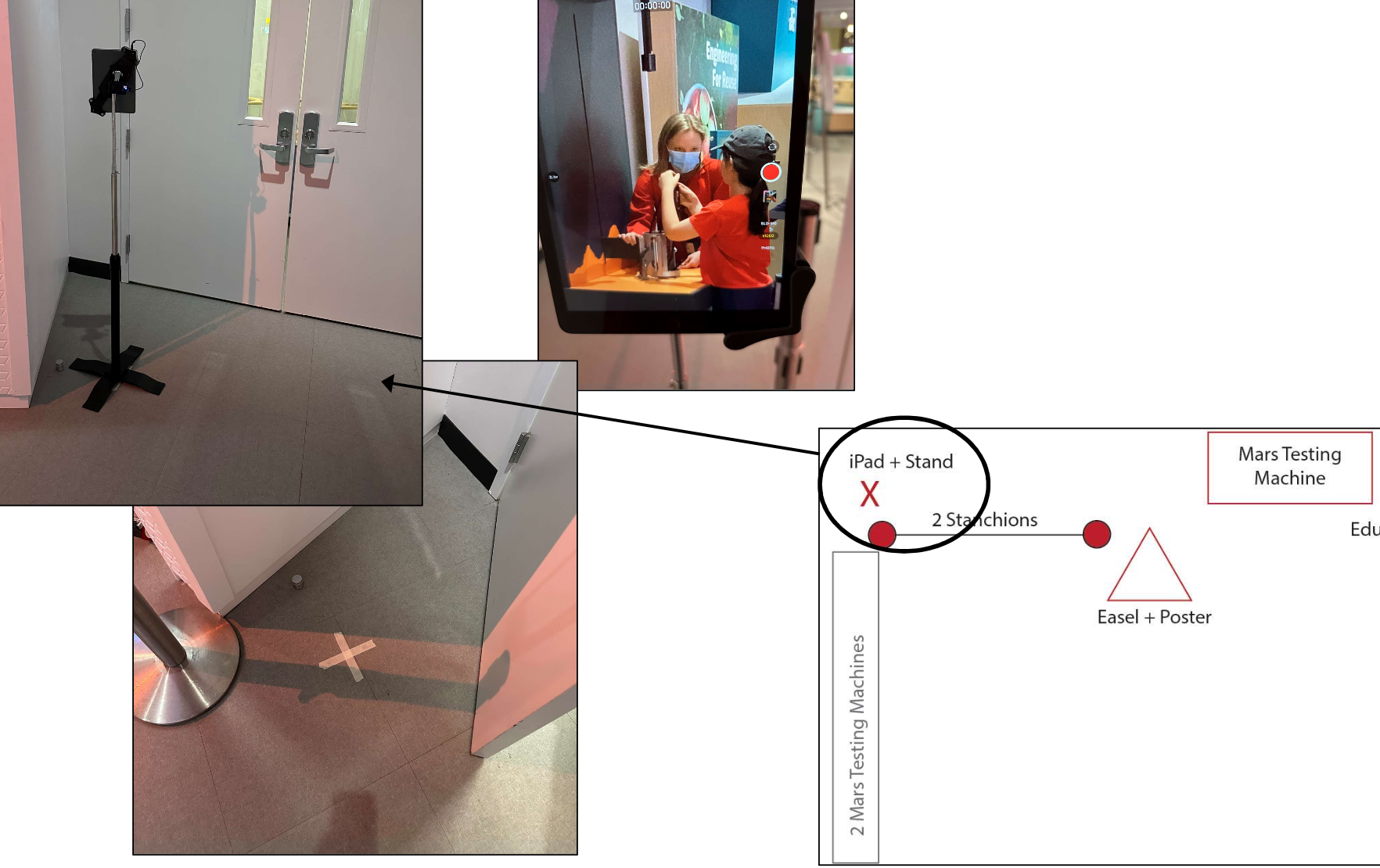
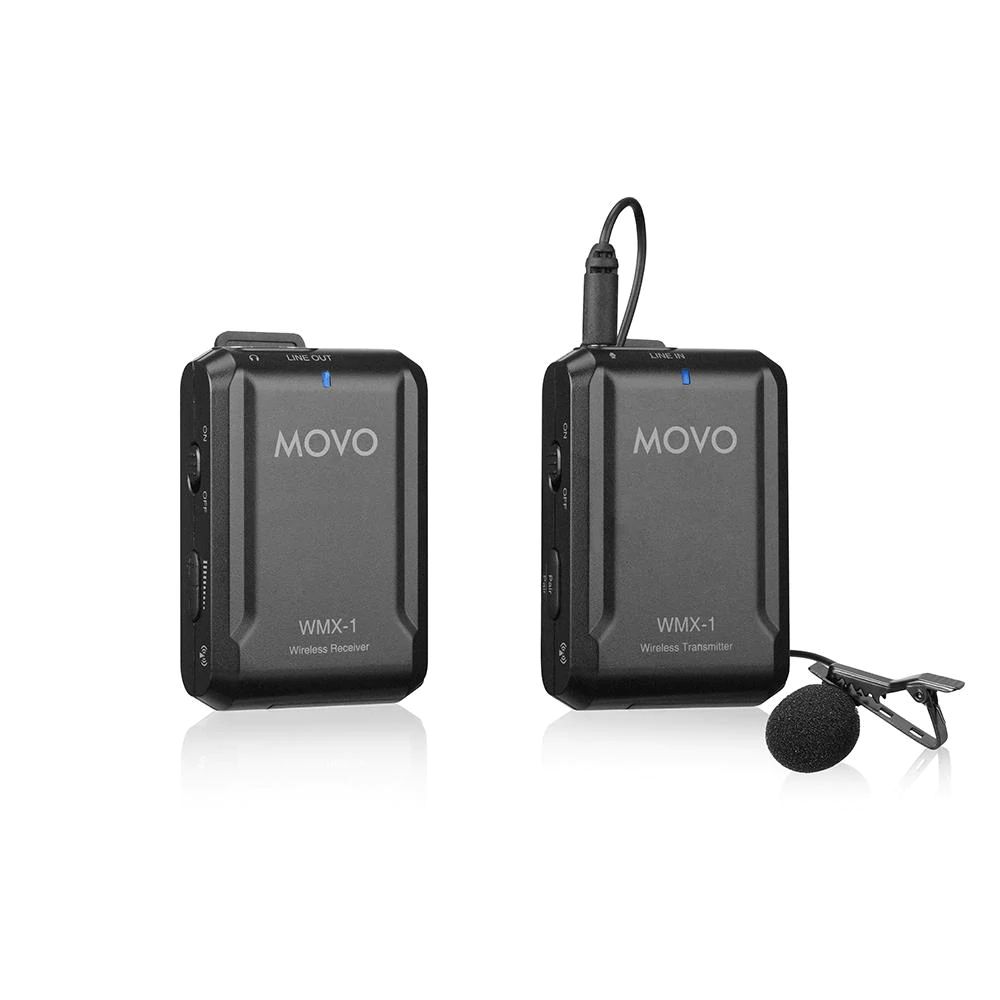
You will need recording devices to capture video and audio. How you want to record will change the type of devices you will need. For example, you could (1) have your educator wear a GoPro or similar handheld or mounted “action camera”, (2) set up an iPad on or above a specific area to capture closeups, (3) use a camera on a tripod pointed at a particular area or with a staff member who can move the angle, or even (4) a camera mounted in the ceiling of the room. Consider how you want to record and capture the best audio and video for your review. Two things to remember: charging your equipment batteries, and transferring and reviewing the files. Both take time and are easier with more resources (extra batteries, charging stations, SD cards, or external hard drives).


Depending on the type of device you purchase, the package above will cost about $325.
As part of this project, we used the app Sibme as it was intentionally designed to support educator’s professional growth through video recording and video viewing. Sibme requires a monthly subscription fee. It allows educators to record and upload the videos within the app, as well as allow for collaboration, note taking, and crop videos to short clips. Sibme also complies with the Children’s Online Privacy Protection Act.