Author: Lauren Penney

  • Norms for Video Review

    Norms for Video Review

    Description: Below are norms for watching video as established by facilitators in preparation for their first video-watching workshop (Borko et al., 2015): 

    Video clips are to provide a learning opportunity and not an evaluation of the teaching and learning process.

    Video clips are examples to spur discussion and not criticism.

    Video clips are for investigations and inquiry and not judgement.

    Video clips are to focus on a particular moment and not an entire lesson.

    Credits: Borko, H., Jacobs, J., Eiteljorg, E., & Pittman, M. E. (2008). Video as a tool for fostering productive discussions in mathematics professional development. Teaching and Teacher Education, 24(2), 417-436. https://doi.org/10.1016/j.tate.2006.11.012
  • Is / Is Not

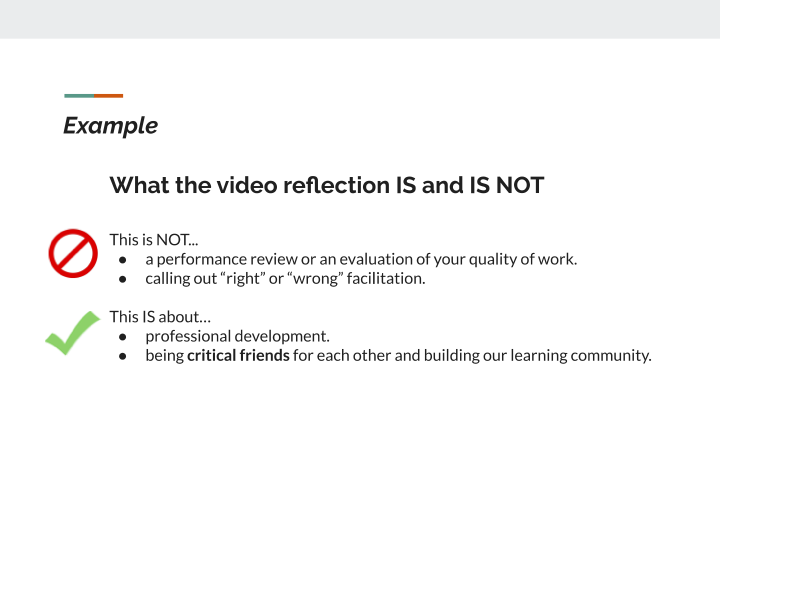
    Is / Is Not

    Description: These are norms to set expectations about what the video recording and reflection is and is not for.

    This is NOT a performance review or an evaluation of your quality of work. This is NOT calling out “right” or “wrong” facilitation. This IS about professional development. This IS about being critical friends for each other and building our learning community.

    Created by: The Tech Interactive

  • Less/Effective clip selection

    Less/Effective clip selection

    Description: These are questions posed by lead facilitators during one-on-one meetings to elicit educator’s thinking about and reflection upon failure within the selected video clips.

    Effective facilitation clip(s)

    • Tell me in your own words, where do you see the failure happening with this clip?
    • Where did you see effective facilitation around failure happening?
    • What made it effective?
    • Which clip are you planning on sharing at one of the sessions? 
    • Would you use this method(s) with any guest, or was there something specific about the guest/situation that made you decide to use it? (ex: younger guest)
    • Where would you like feedback on the clip you are choosing to share?

    Less effective facilitation clip(s)

    • Where did you see less effective facilitation?
    • Was there context about the situation that is not clear in the clip(s)? 
    • Would you do anything differently if you had a similar encounter with guest(s)?
    • Are you planning on sharing a clip at one of the sessions? (This is optional)
    • If yes, what part of the clip would you specifically like feedback on?

    Created by: The Tech Interactive

  • 1-1 questions/prompts

    1-1 questions/prompts

    Description: These are questions posed by lead facilitators during one-on-one meetings to elicit educator’s thinking about and reflection upon failure within the selected video clips.

    1. What did you notice about your own teaching?

    2. Why did you pick this clip to show?

    3. What might be at the root of the learner’s “struggle” or “challenge” or “sense of failure”?

    4. What might you have done? What could you have done?

    Created by: Minneapolis Institute of Art

  • Follow-up: Individual Clip Viewing Survey

    Follow-up: Individual Clip Viewing Survey

    Description: This survey was to ask educators if they were comfortable sharing their ineffective clip with their peers, as well as offer one-on-one meetings to discuss the clips chosen for video reflection with peers during reflection workshops.

    Created by: The Tech Interactive

  • Finding Juicy Failure

    Finding Juicy Failure

    Description: This resource was an email sent out to educators to find “failure-juicy” video clips. What does a “failure-juicy” video clip mean? This is detailed in this resource, as well as what to expect during the reflection workshop.

    Adapted by: Scott Family Amazeum

  • Video Setup Guide

    Video Setup Guide

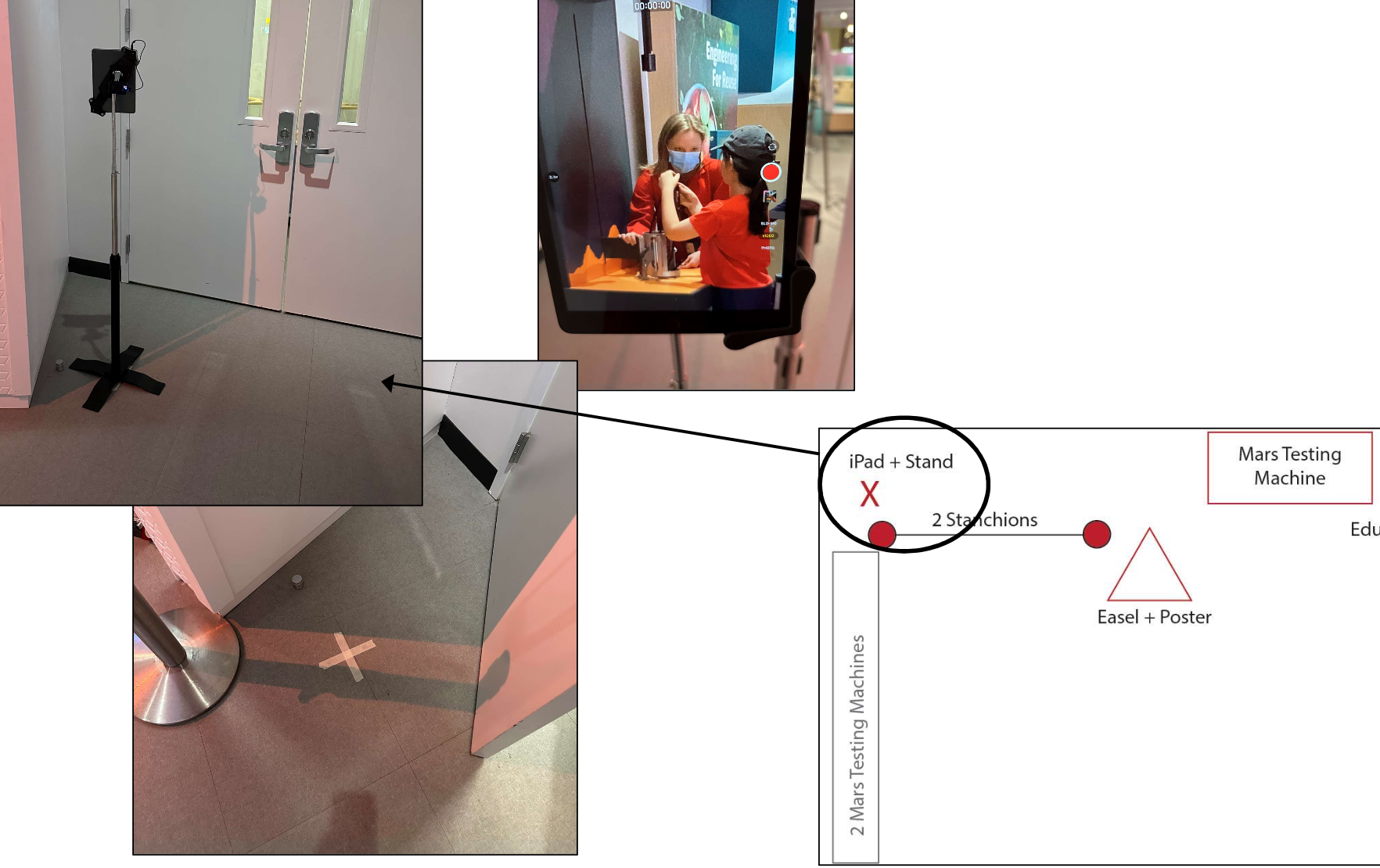
    Description: This guide was created by the Museum of Science in Boston to help their educators remember their video and audio setup. Consider something similar if you have different people setting up or are often setting up and breaking down your equipment.

    Created by: Museum of Science, Boston

  • Failure in Making Youth Assessment

    Failure in Making Youth Assessment

    Description: This assessment includes several sets of questions that can be used in its entirety or individual sets of questions. Questions are framed around (a) failure mindset, (b) problem solving strategies, and (c) emotional responses to failure

    Created by: Science Museum of Minnesota & Alice Anderson

  • Getting Unstuck Poster

    Getting Unstuck Poster

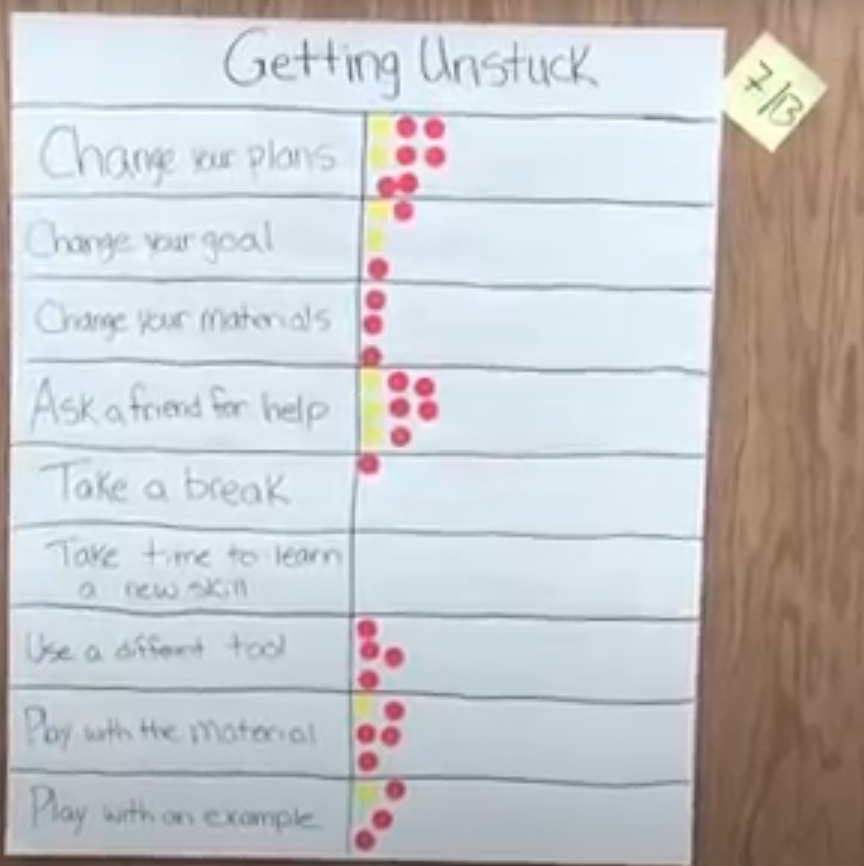
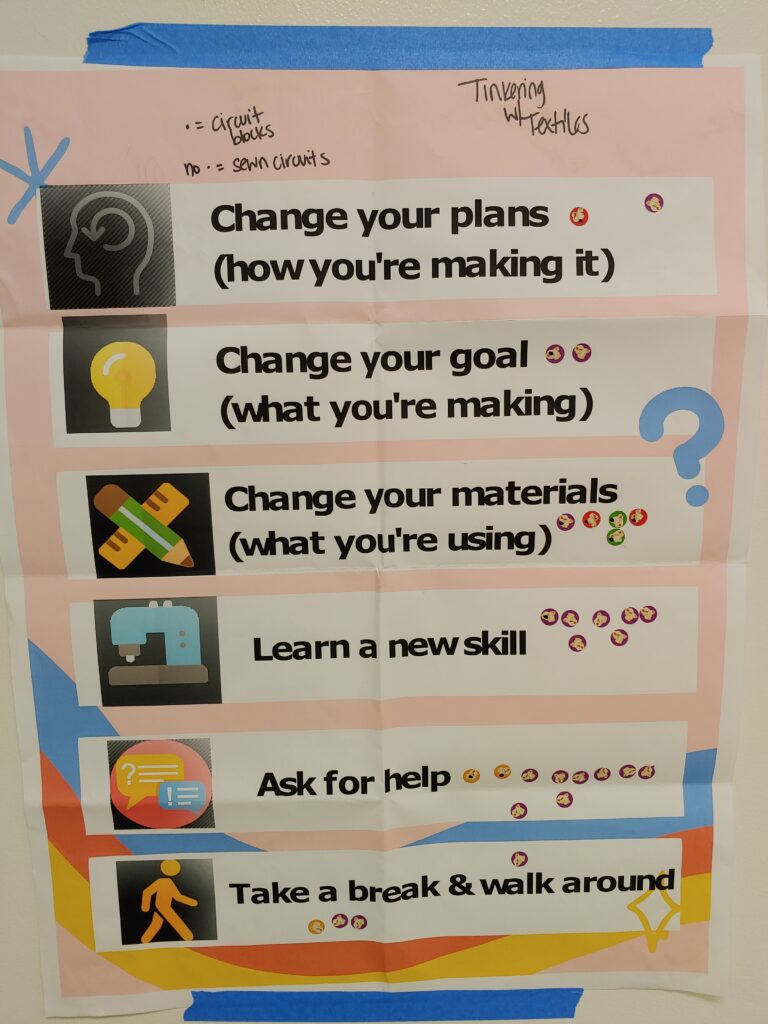
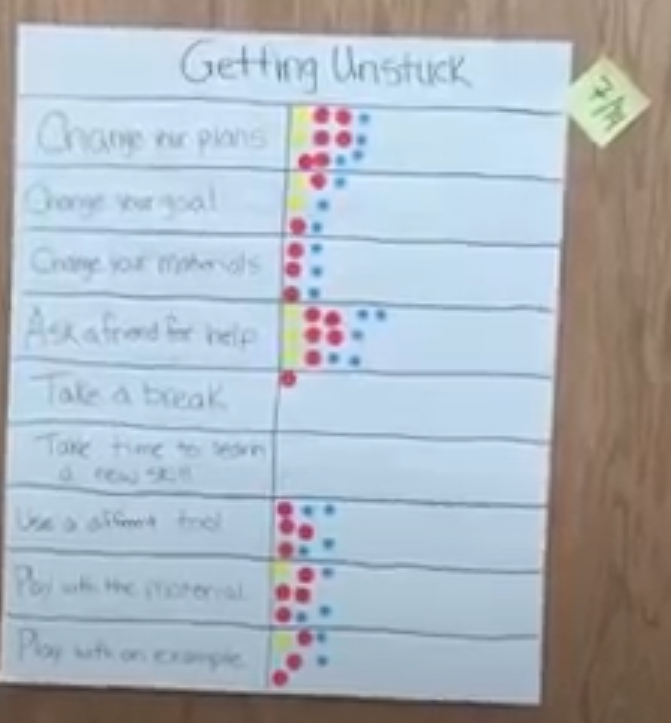
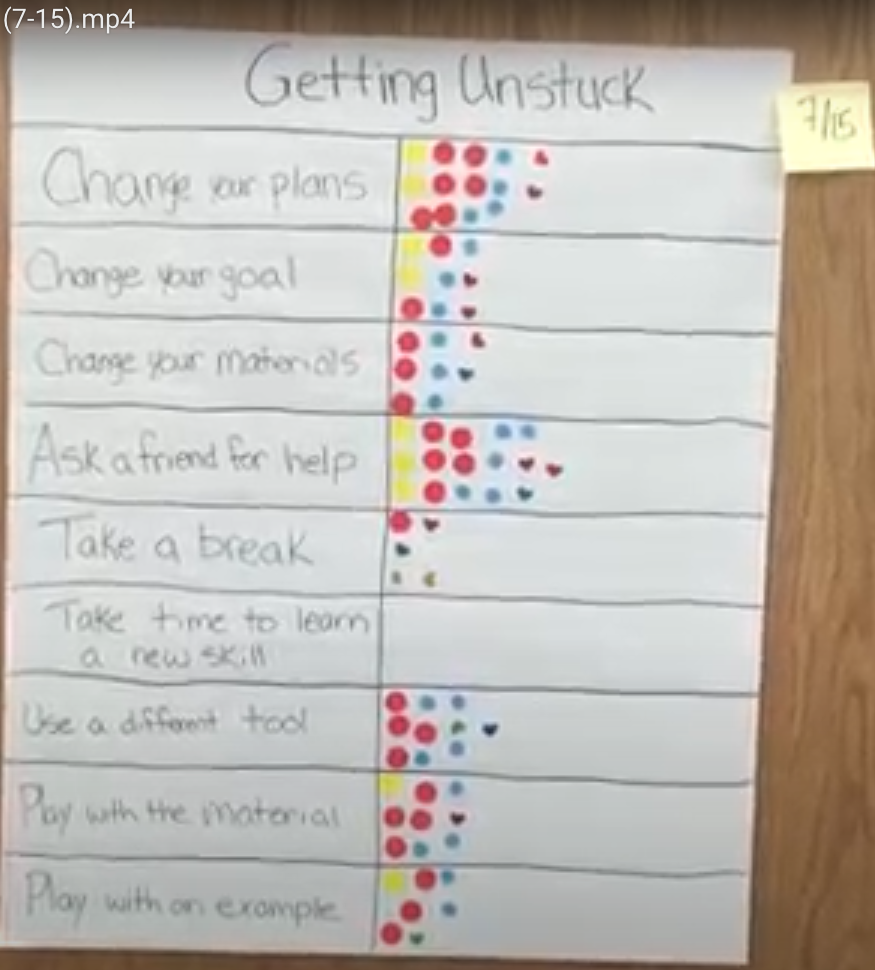
    Description: Create a list of what to do when you are stuck. We suggest this be created by the youth and educators at the beginning of the making activity. This becomes a living document that can be added to throughout the activity, whether this be a drop-in session, a workshop, or a week-long camp. If a week-long camp, youth can add a dot at the end of the day to note which strategies were used. Use a different color dot each day. See images below.

    Created by: Montshire Museum of Science & Scott Family Amazeum

    The Unstuck Poster is a Talkback Board, an anonymous way to gather feedback. It displays a question, prompt, or list of options that visitors can respond to by posting a short reply or voting with a sticker. For more, check out this resource by the Connected Learning Lab: Talkback Board Repository

  • Youth Data Considerations

    Youth Data Considerations

    Description: There are things to keep in mind when collecting data from youth such as ethics and privacy. We have provided some guidance with this document, including sample assent and consent forms.

    Created by: AAA Research Team