Category: Recording and Reflecting on Practice

  • Equipment Suggestions

    Equipment Suggestions

    You will need recording devices to capture video and audio. How you want to record will change the type of devices you will need. For example, you could (1) have your educator wear a GoPro or similar handheld or mounted “action camera”, (2) set up an iPad on or above a specific area to capture closeups, (3) use a camera on a tripod pointed at a particular area or with a staff member who can move the angle, or even (4) a camera mounted in the ceiling of the room. Consider how you want to record and capture the best audio and video for your review. Two things to remember: charging your equipment batteries, and transferring and reviewing the files. Both take time and are easier with more resources (extra batteries, charging stations, SD cards, or external hard drives).

    Outlines of a tablet and smart phone.

    Electronic Devices (Video)

    Tripod with a DSLR camera mounted on top

    Tripod or

    DIY Lazy Susan

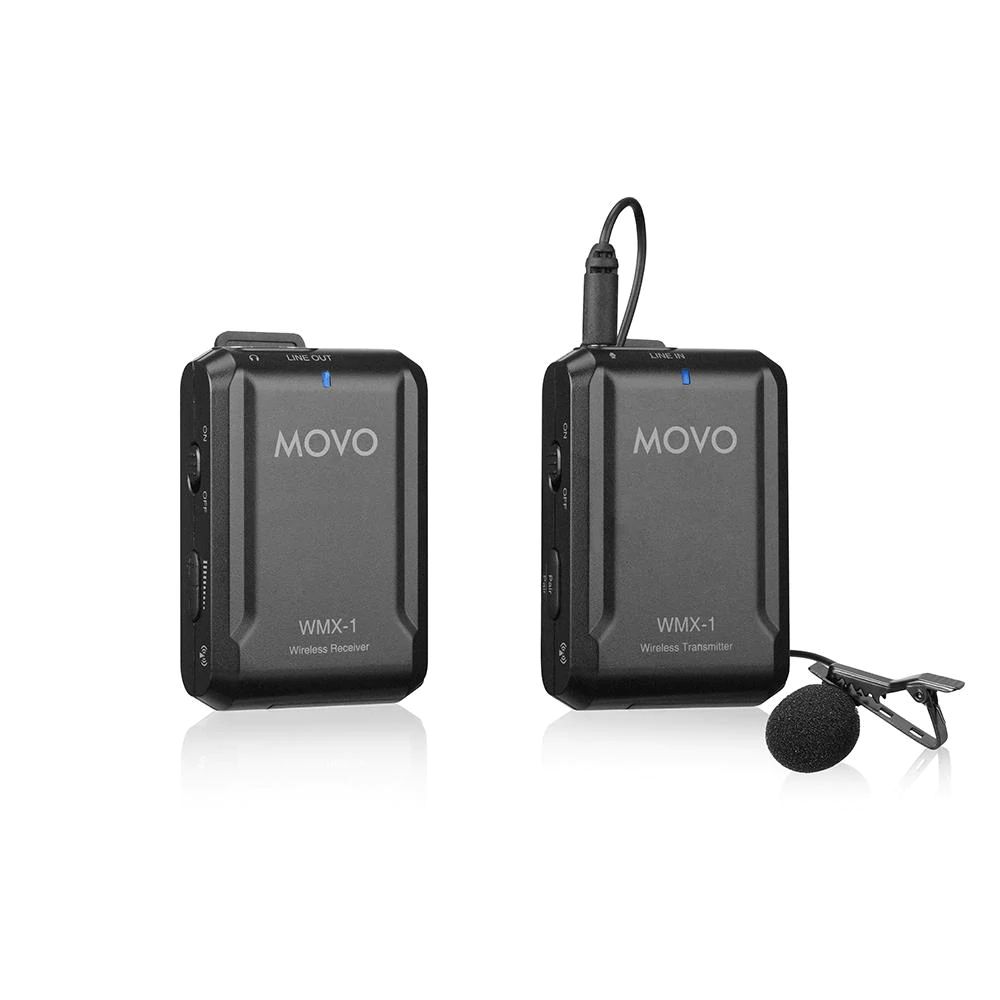
    Wireless lapel microphone pair

    Bluetooth Lapel Microphones (Audio)

    Depending on the type of device you purchase, the package above will cost about $325.

    As part of this project, we used the app Sibme as it was intentionally designed to support educator’s professional growth through video recording and video viewing.  Sibme requires a monthly subscription fee. It allows educators to record and upload the videos within the app, as well as allow for collaboration, note taking, and crop videos to short clips. Sibme also complies with the Children’s Online Privacy Protection Act.
  • Video Clip Observation & Reflection

    Video Clip Observation & Reflection

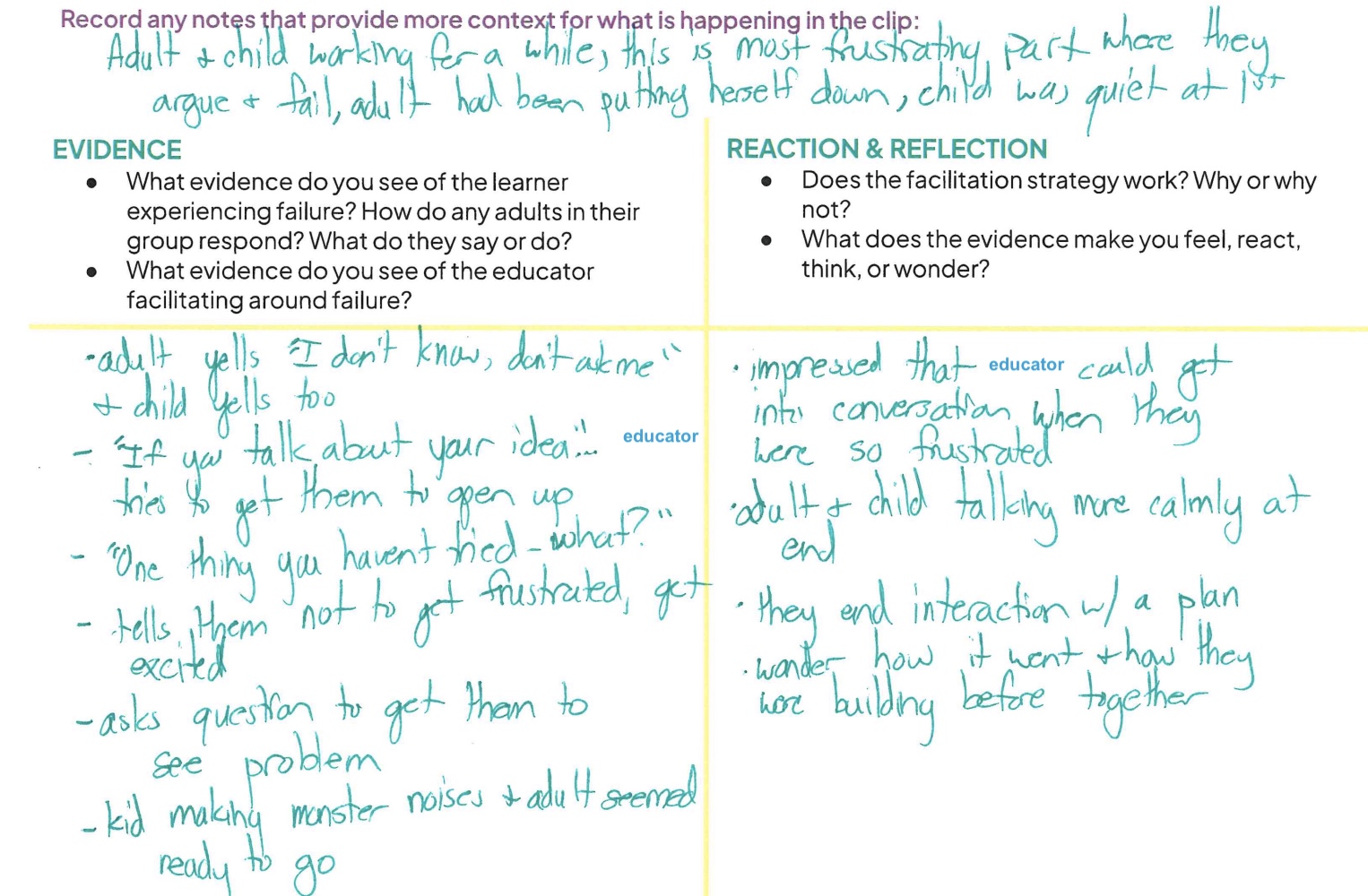
    Description: A video reflection tool for 1) recording evidence: What evidence do you see of the learner experiencing failure? What evidence do you see of the educator facilitating around failure? and 2) for recording reaction and reflections: What does the evidence make you feel, react, think, or wonder?

    Created by: OMSI

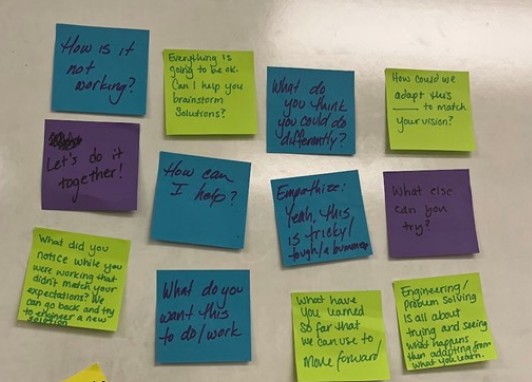
  • Language and Feedback Tips

    Language and Feedback Tips

    Description: The questions in this document provide educators a way to prepare for sharing their clip with their peers, asking and preparing feedback to/from their peers, and appropriate language to use for facilitating and talking about failure.

    Created by: The Tech Interactive

  • Failure Party Connection Cards

    Failure Party Connection Cards

    Description: These cards are to be utilized when discussing and providing feedback to an educator regarding their shared video clip. It is to promote connections to one another based on shared experiences, perspectives, and noticings within the video. It is also a way to provide an outlet for shy individuals to contribute to the conversation.

    Created by: Scott Family Amazeum

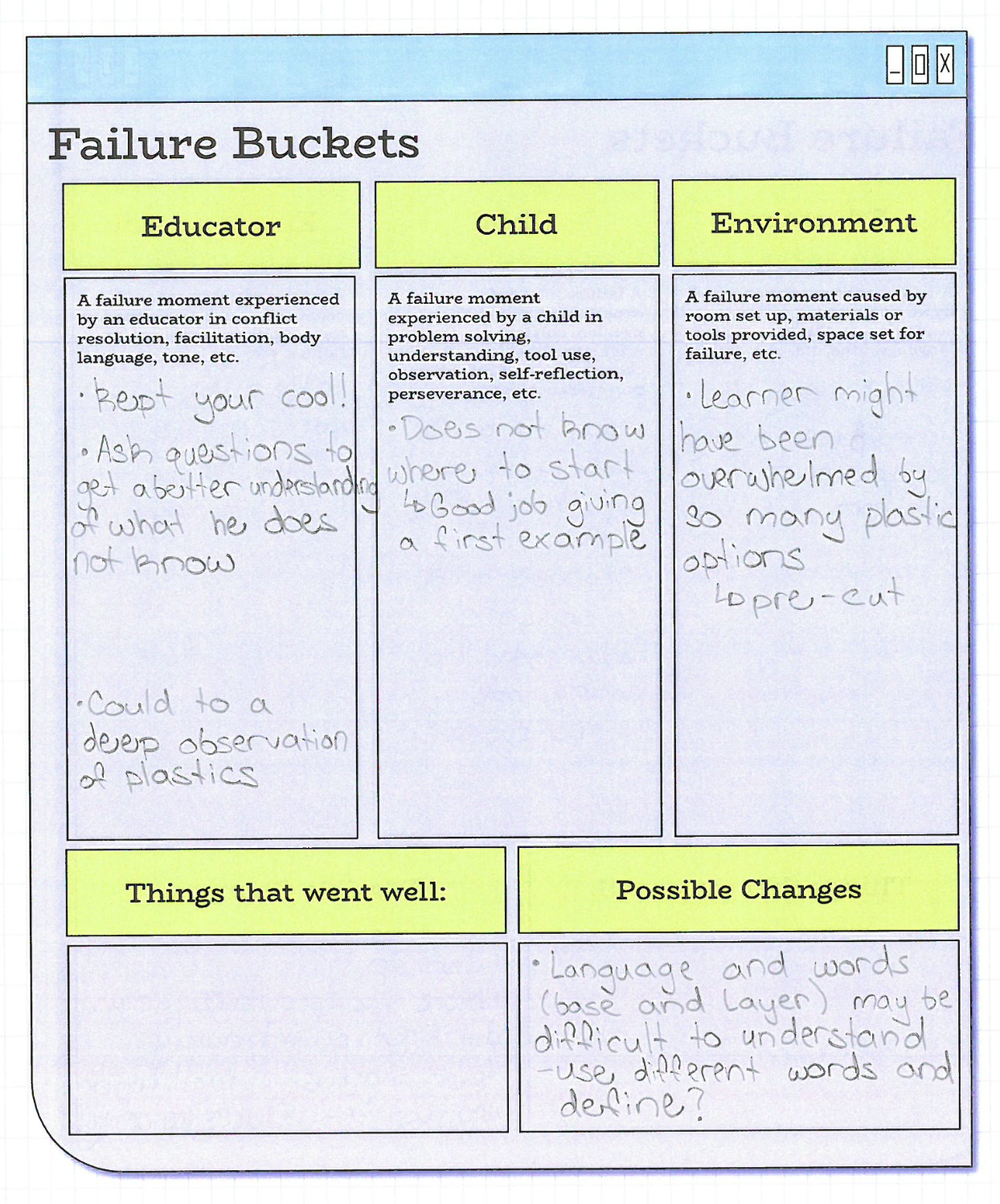
  • Failure Buckets-Note Taking Sheet

    Failure Buckets-Note Taking Sheet

    Description: This document provides educators a way to take notes while watching a video clip of their peers. It guides educators to take notes on either the educator, a child, and/or the environment.

    Created by: Scott Family Amazeum

    Below is a filled out example from a clip taken during a workshop on fused plastic.

  • Reflection Questions

    Reflection Questions

    Description: This list of questions supported the discussion around failure both as part of watching video clips and more holistically to reflect on the campers’ experience. For example, How did staff support / react to campers being stuck? How did your support change throughout the week? What kind of experience do we want campers to walk away with?

    Created by: Montshire Museum of Science

  • Ground Rules & Goals

    Ground Rules & Goals

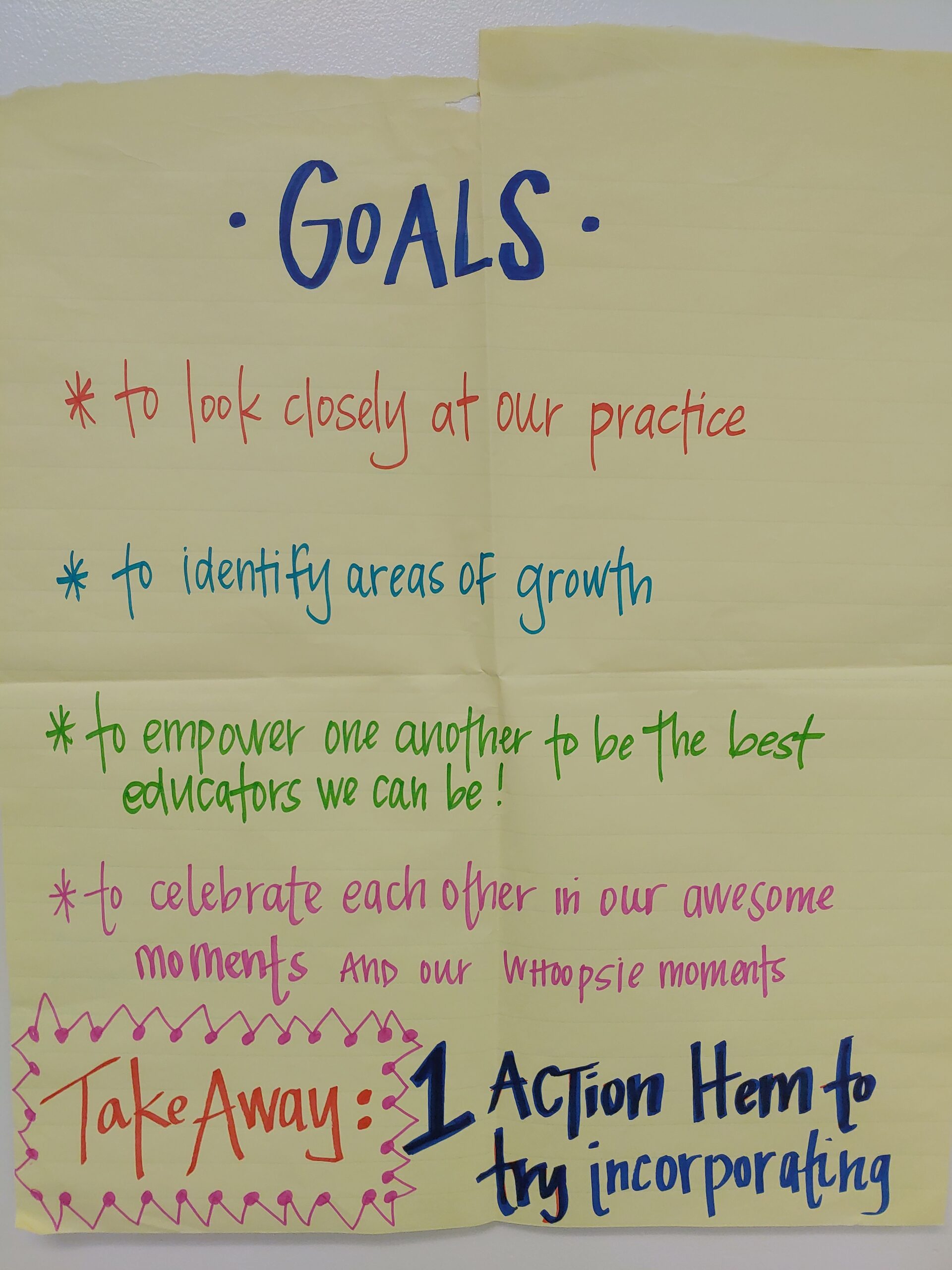
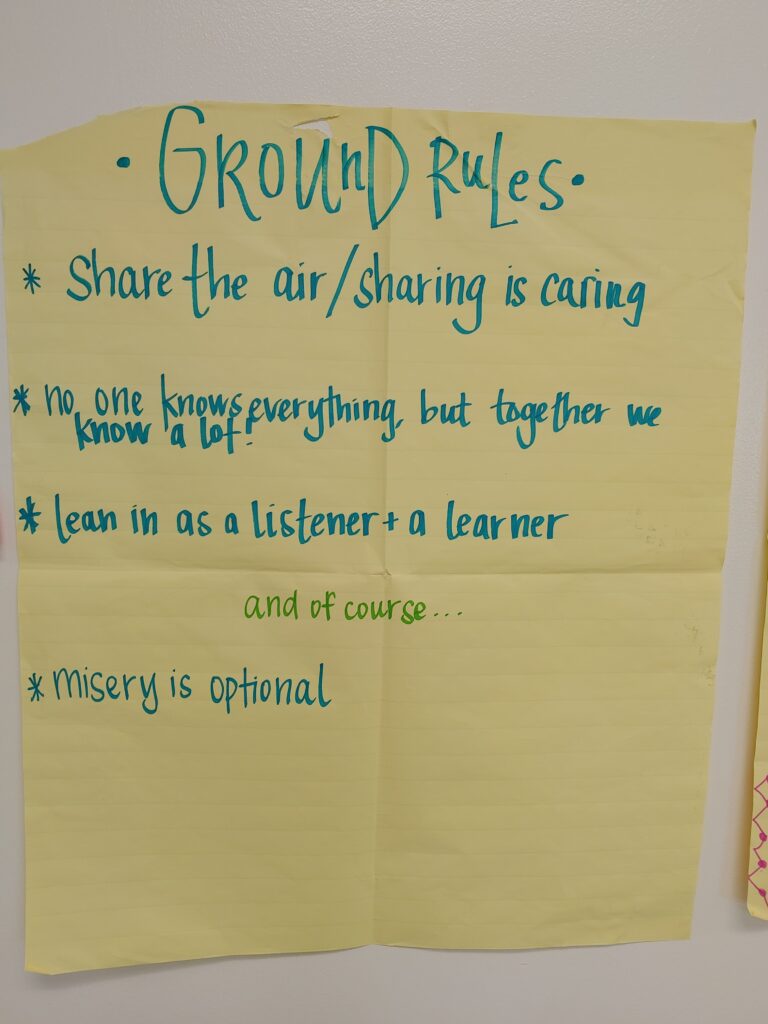
    Description: Below are the Ground Rules and Goals for video review set by the group at the Scott Family Amazeum. Ground rules include: Share the air; No one knows everything but together we know a lot; lean in as a listener and a learner; misery is optional. Goals include: to look closely at our practice; to identify areas of growth; to empower one another to be the best educators we can be; to celebrate each other in our awesome moments and our whoopsie moments; take away one action item to try incorporating.

    Created by: Scott Family Amazeum

  • Norms for Video Review

    Norms for Video Review

    Description: Below are norms for watching video as established by facilitators in preparation for their first video-watching workshop (Borko et al., 2015): 

    Video clips are to provide a learning opportunity and not an evaluation of the teaching and learning process.

    Video clips are examples to spur discussion and not criticism.

    Video clips are for investigations and inquiry and not judgement.

    Video clips are to focus on a particular moment and not an entire lesson.

    Credits: Borko, H., Jacobs, J., Eiteljorg, E., & Pittman, M. E. (2008). Video as a tool for fostering productive discussions in mathematics professional development. Teaching and Teacher Education, 24(2), 417-436. https://doi.org/10.1016/j.tate.2006.11.012

  • Is / Is Not

    Is / Is Not

    Description: These are norms to set expectations about what the video recording and reflection is and is not for.

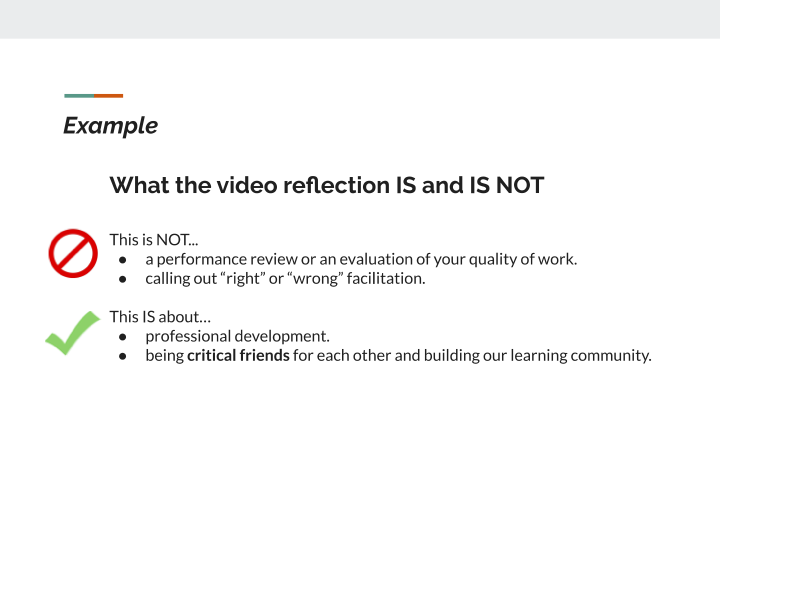
    This is NOT a performance review or an evaluation of your quality of work. This is NOT calling out “right” or “wrong” facilitation. This IS about professional development. This IS about being critical friends for each other and building our learning community.

    Created by: The Tech Interactive

  • Less/Effective clip selection

    Less/Effective clip selection

    Description: These are questions posed by lead facilitators during one-on-one meetings to elicit educator’s thinking about and reflection upon failure within the selected video clips.

    Effective facilitation clip(s)

    • Tell me in your own words, where do you see the failure happening with this clip?
    • Where did you see effective facilitation around failure happening?
    • What made it effective?
    • Which clip are you planning on sharing at one of the sessions? 
    • Would you use this method(s) with any guest, or was there something specific about the guest/situation that made you decide to use it? (ex: younger guest)
    • Where would you like feedback on the clip you are choosing to share?

    Less effective facilitation clip(s)

    • Where did you see less effective facilitation?
    • Was there context about the situation that is not clear in the clip(s)? 
    • Would you do anything differently if you had a similar encounter with guest(s)?
    • Are you planning on sharing a clip at one of the sessions? (This is optional)
    • If yes, what part of the clip would you specifically like feedback on?

    Created by: The Tech Interactive